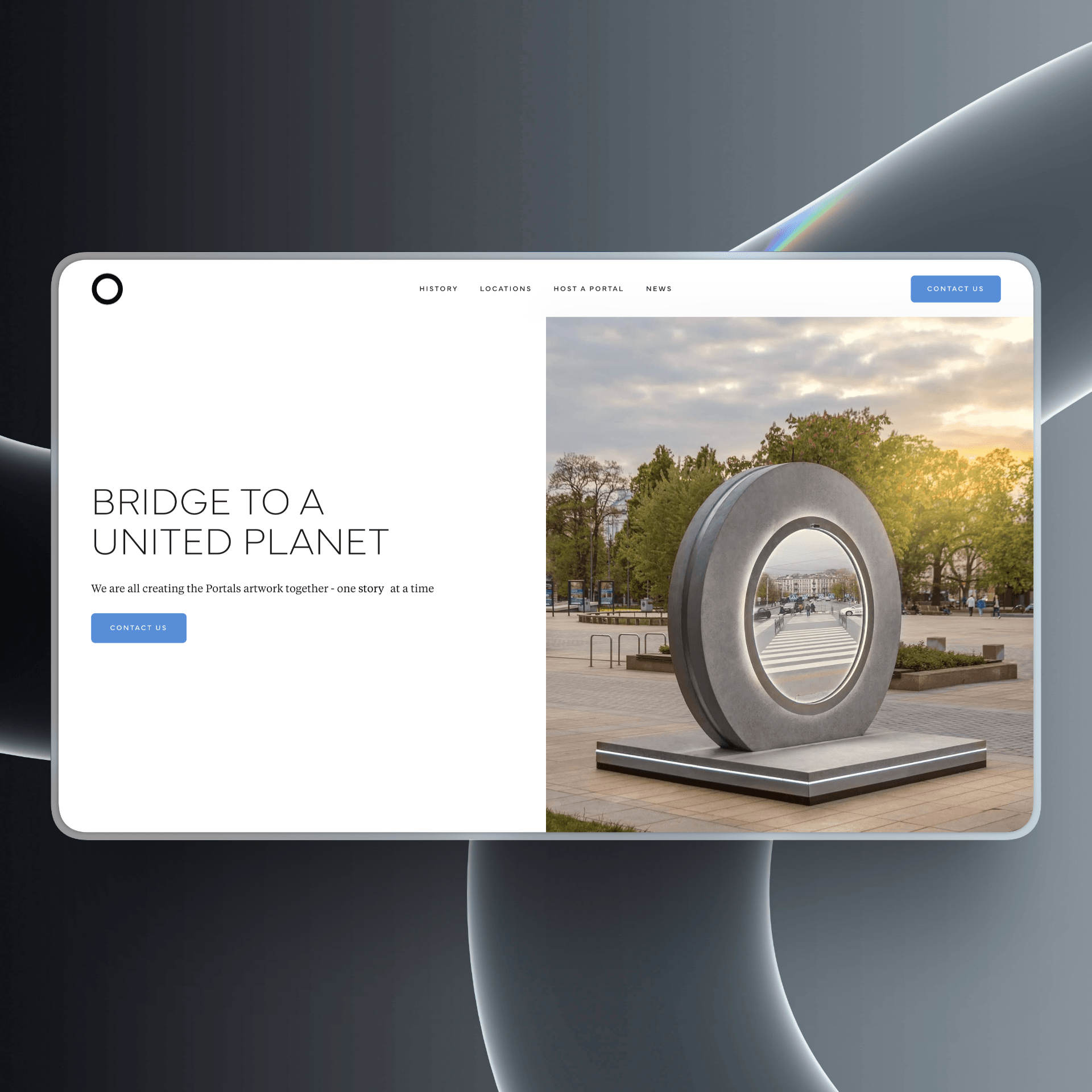
Websites for nonprofits and foundations
Built to be run by whoever is there in three years, on a budget that was never going to include a rebuild.
Best for nonprofits and foundations who need the site to outlast the person who commissioned it.
Nonprofit sites fail differently from commercial ones. They are rarely bad at launch. They go stale, because the person who understood the CMS left, the agency relationship ended with the grant that funded it, and nobody remaining is quite sure whether they are allowed to change the homepage.
Design for whoever is there in three years
The binding constraint on this kind of build is maintenance, not budget. A site that needs a specialist to update is a site that will not be updated, and the second-best build that a programme coordinator can run beats the best one that only an agency can touch.
In practice that means fewer bespoke page types, more repeatable components, and documentation written for someone who has never used the tool before rather than a handover call nobody recorded.
Two audiences, opposite needs
A donor wants to know that money is used well and that the organisation is credible. Someone who needs your services wants to know whether they qualify and what happens next. Those are different tones, different reading levels and often different languages, and most nonprofit homepages try to serve both in one hero and serve neither.
Split the paths early and explicitly. Nobody is offended by a site that knows there are two reasons to be there.
Accessibility, and meaning it
For an organisation whose whole point is that people are not excluded, an inaccessible site is a contradiction before it is a compliance question. It is also far cheaper as a design decision than as a remediation project: contrast, focus order, real headings and keyboard operability cost nothing extra at build and a great deal afterwards.
- Components a non-technical staff member can combine into a new page
- A donation path that works on a phone, in one hand, in under a minute
- Programme pages with an owner and a review date, not just a publish date
- Written handover for the person who arrives after the person who was trained
- Accessibility built in at design, checked before launch rather than after a complaint
The second-best site that staff can run beats the best one that only an agency can touch.
What a build here actually includes
Every build is scoped to the practice, but on this kind of site these are the parts that are not optional.
- A component set a programme coordinator can build a new page from
- Donor and beneficiary paths separated deliberately rather than merged into one hero
- A donation or enquiry flow that survives a phone on a bad connection
- Written handover aimed at whoever arrives next, not the person being trained today
- WCAG-level contrast, focus states and keyboard operability designed in from the start
What we keep seeing go wrong
None of these are hypothetical. They are the things that turn up again and again on sites in this vertical, and most of them are cheap to avoid and expensive to undo.
- A bespoke page type for every programme, none of which staff can recreate
- A homepage that speaks to donors and to beneficiaries in the same paragraph
- Impact numbers from a report three years old with no owner to refresh them
- A handover that was a call, not a document
- Accessibility treated as a plugin rather than as design
Questions we get asked first
- We have a small budget. What matters most?
- Maintainability, and it is not close. A cheaper build that your staff can run for five years is worth more than an expensive one that freezes the day the engagement ends. If the money only stretches to one thing, spend it on the CMS structure and the handover rather than on the homepage animation.
- Do we need a separate donation platform?
- Usually yes, and that is fine. Specialist donation tools handle receipts, recurring gifts and compliance in ways a website should not try to. The job is to make the handoff to it feel like part of your site rather than a jarring jump, and to make sure it works on a phone.
- How do we keep programme pages current?
- Give each one a named owner and a review date in the CMS, and make the date visible to editors. Most stale content is not neglect, it is that nobody knew it was theirs. A field that says who owns this and when it was last checked does more than any reminder.
- Is accessibility legally required for us?
- It depends on where you operate and how you are funded, and we are not the right people to give you a legal answer. What we will say is that for an organisation built on not excluding people, it is a design obligation before it is a legal one, and it costs far less built in than remediated.